Your feeding journey is personal. Here’s how Little Drops handles the information you entrust to it.
Privacy policy · Updated November 8, 2026
No custom server for your history Private iCloud sync Sharing is your choice
01
The information you record
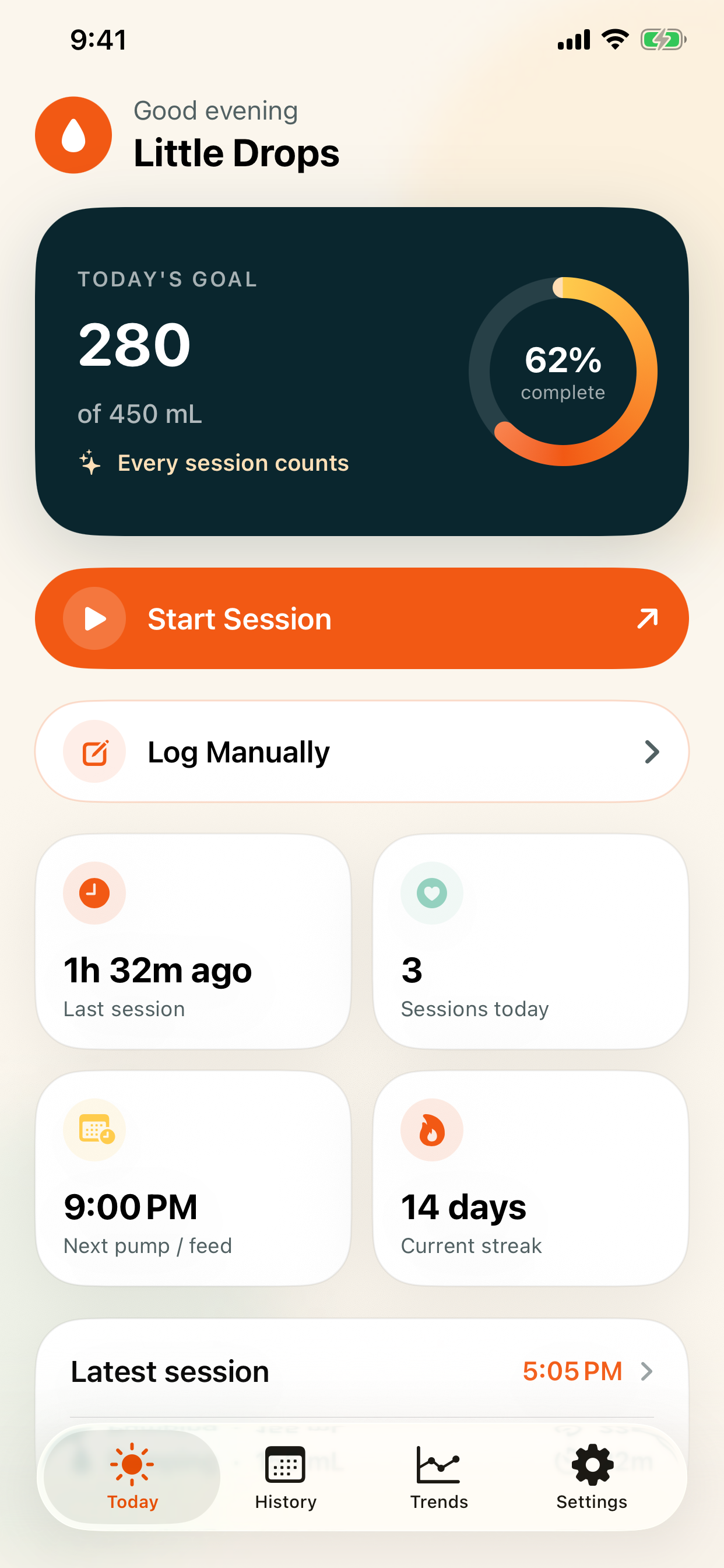
Little Drops stores the details you choose to enter: pumping and breastfeeding sessions, dates, duration, milk amounts, breast side, optional notes, goals, schedules, and preferences. This information makes your history and trends possible.
02
Your devices. Your iCloud.
Your history is saved on your device and syncs through your private iCloud database when available. The app can work offline, with a local fallback if iCloud is unavailable. No custom Little Drops server receives your session data. Apple’s services are governed by Apple’s privacy policy.
03
No ads. No extra account.
Little Drops does not require a separate account, contains no advertising, and enables no analytics by default. Your session history is not sent to an advertising service.
04
Features you control
Reminders use local notifications with your permission. The Apple Watch companion exchanges session information and preferences with your iPhone. Widgets and Live Activities can display session information on your Home Screen or Lock Screen; you control their visibility through your device settings.
05
Backups, sharing & deletion
Backup files containing sessions and preferences are created locally. They are shared only when you choose a destination using the system share sheet. You can edit or delete sessions in History. Copies you export remain wherever you save or share them, so manage those copies separately.
06
Contact & policy updates
If you email Ian Dorosh, your email address and anything you include will be received to respond to your message. Please share only what is needed for your request. Changes to this policy will be reflected here with an updated date. For privacy questions, use the contact details above.
About this website
This page does not ask for feeding records and includes no advertising or analytics scripts added by Little Drops. The hosting provider may process technical request data to serve and secure the page. Email opens in your chosen email app.
Little Drops is a tracking companion. It does not replace guidance from your care team.